DIANREZHANIndustrial ovens specialist中文

INDUSTRIAL BATCH HEATING

Batch heating,built around the load.

Compare cabinet, truck-in and walk-in arrangements using product size, batch mass, process temperature and loading access.

03
Equipment types
06
Selection inputs
∞
Process fit
3D structure explorerIndustrial oven
Loading the 3D preview…

Drag to rotate · Typical structure; final configuration follows the product specification

PRODUCT MATRIX

Three designs,
for different loading needs

Compare equipment around product size, load and process conditions.
01
Cabinet ovens
CABINET OVEN

01 / BATCH HEATING

Cabinet ovens

For trays, shelves and smaller fixtures. Check the usable workspace, shelf spacing and clearance for air to move around the load.
  • Check usable dimensions and shelf spacing
  • Calculate duty from batch and fixture mass
  • Leave flow passages around the load
Tray / shelf loadingSmall and medium parts
02
Truck-in ovens
TRUCK-IN OVEN

02 / BATCH HEATING

Truck-in ovens

For moving a batch on rails or a loading cart. Confirm total load mass, cart dimensions, handling clearance and floor conditions.
  • Check trolley dimensions and total batch mass
  • Allow for rails, loading and maintenance access
  • Confirm floor loading and door access
Cart / fixture loadingHeavy or larger batches
03
Walk-in rooms
WALK-IN OVEN

03 / BATCH HEATING

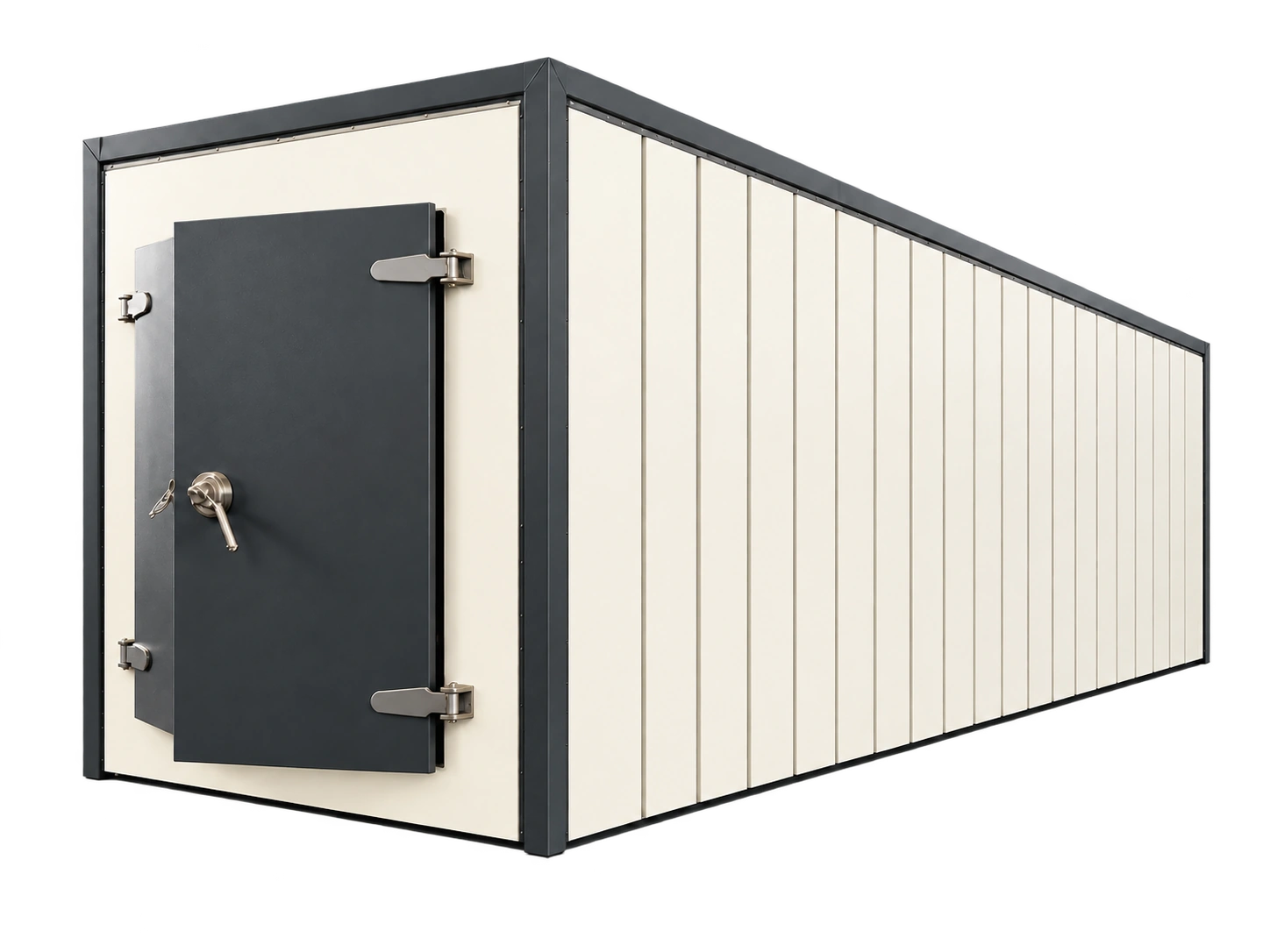
Walk-in rooms

For larger parts or multiple carts. Check the doorway, internal layout, airflow arrangement and available installation space.
  • Check the doorway and handling route
  • Plan circulation and exhaust around the load
  • Allow room for site assembly and service
Larger working spaceLarge parts or multiple carts

STRUCTURE COMPARISON

Compare how each batch is loaded

Similar chamber sizes can have different handling and floor-space requirements. Start with the parts and fixtures before comparing temperatures and cycle times.

Swipe the table sideways on smaller screens.

ArrangementLoading methodData to confirmLayout and operating limits
Cabinet ovenTrays, shelves or manual batch loadingShelf load, spacing and usable internal dimensionsCheck reach, door clearance and airflow passages
Truck-in ovenAn entire load enters on a truckCombined product/truck mass, tracks or rampInclude truck heat capacity and confirm floor loads and traffic routes
Walk-in roomLarge parts, racks or loading cartsDoor opening, qualified workspace and loading densityDoor clearance is not the usable workspace; allow service access

CONTROL & PROTECTION

Confirm the heating permissives

These are functions to discuss during selection. Installed equipment, response sequences and acceptance tests must be defined in its electrical drawings and process specification.
01

Independent high limit

Check the process controller and independent heat cut-off separately. Investigate a trip before resetting according to the equipment instructions.

02

Circulation and heat interlock

A fan start command alone does not establish airflow. Confirm how flow is proven and how heat is removed on a fault.

03

Exhaust and released substances

State water or solvent release per batch. Flammable vapors or dust require a separate ventilation and protection review; an ordinary oven is not automatically suitable.

04

Door status and shutdown

Define the response of heat, recirculation and exhaust to door opening. Controlled cool-down and emergency stop need their own agreed sequences.

SELECTION LOGIC

More than a temperature setting

  1. 01

    Usable workspace

    Part, fixture and tray dimensions, with loading and airflow clearance. External size is not usable chamber size.

  2. 02

    Batch mass

    List the mass of the parts, trays, fixtures and loading cart separately.

  3. 03

    Temperature and time

    Starting and target temperatures, heat-up time and soak time. State whether the criterion refers to air or part temperature.

  4. 04

    Airflow and exhaust

    Load spacing, tray openings, moisture and volatile release affect circulation and exhaust requirements.

  5. 05

    Site conditions

    Power supply, footprint, doorway and access routes, plus loading and maintenance clearance.

  6. 06

    Controls and acceptance

    Define control, recording, alarm and acceptance requirements. Specify the conditions for any temperature uniformity test.

EQUIPMENT IN APPLICATION

Equipment in process,
site references

Cabinet oven installation
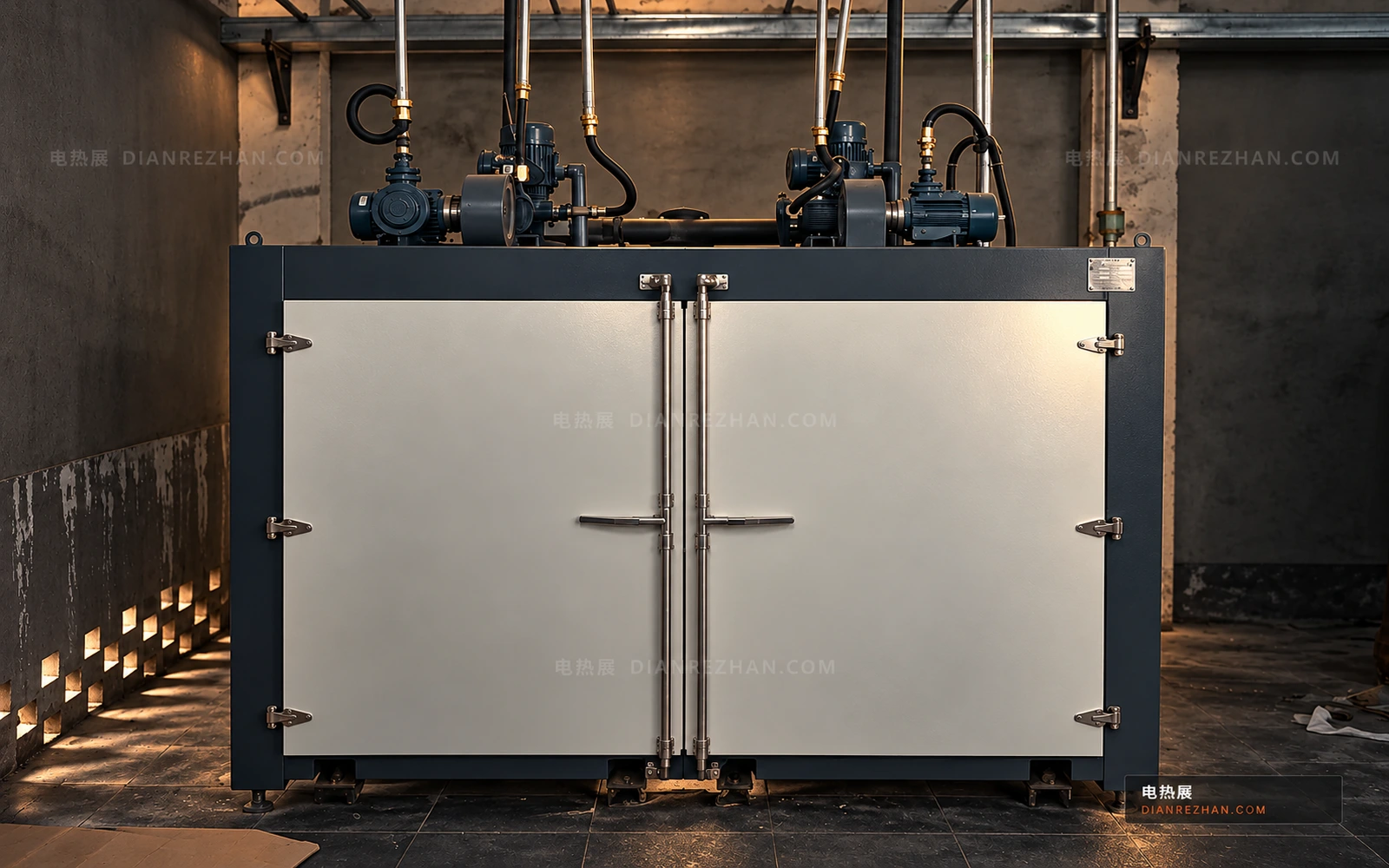
01

Cabinet oven installation

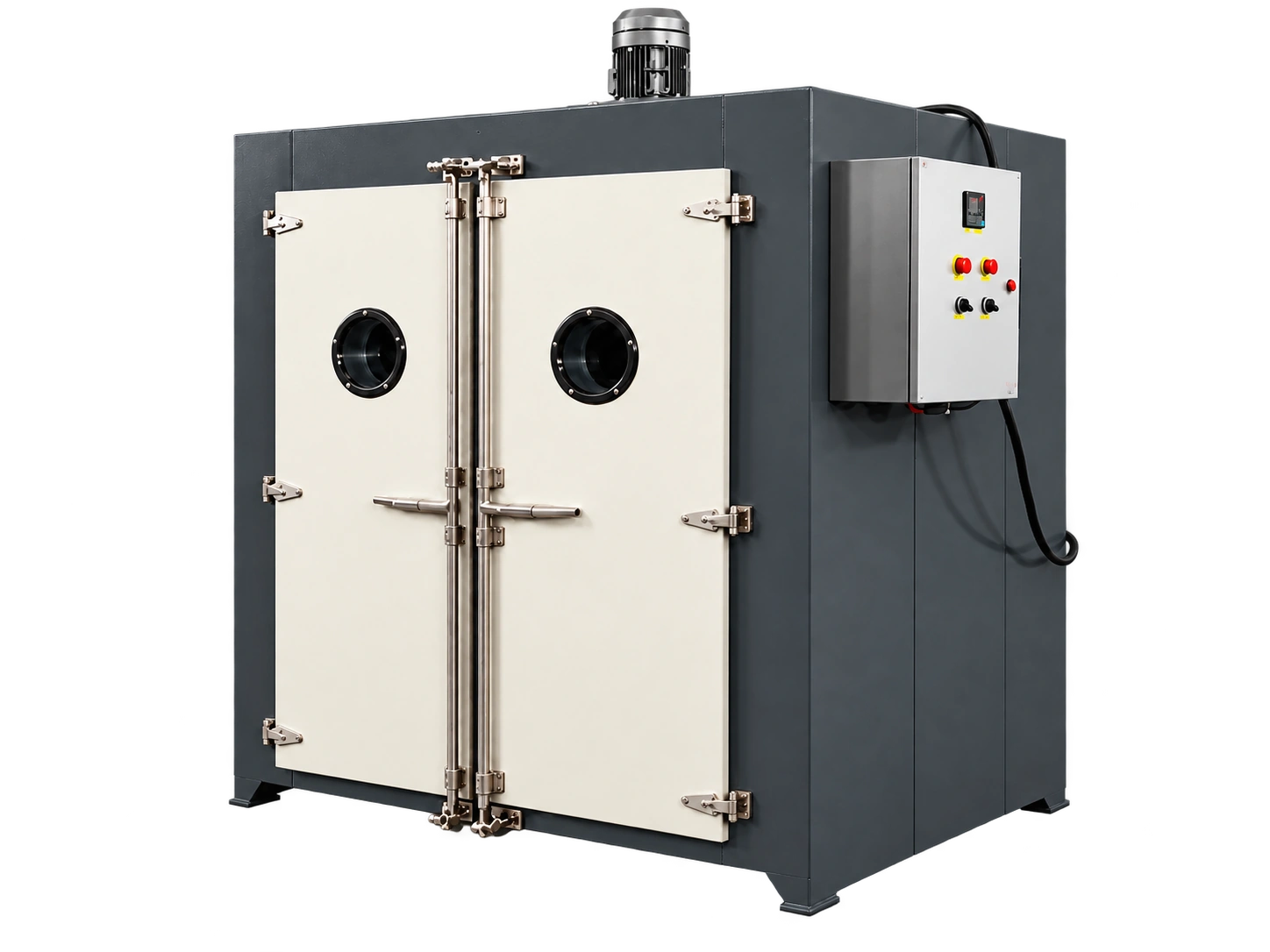
A double-door cabinet with top circulation components, showing the loading entrance and site layout.

Trolley and batch loading
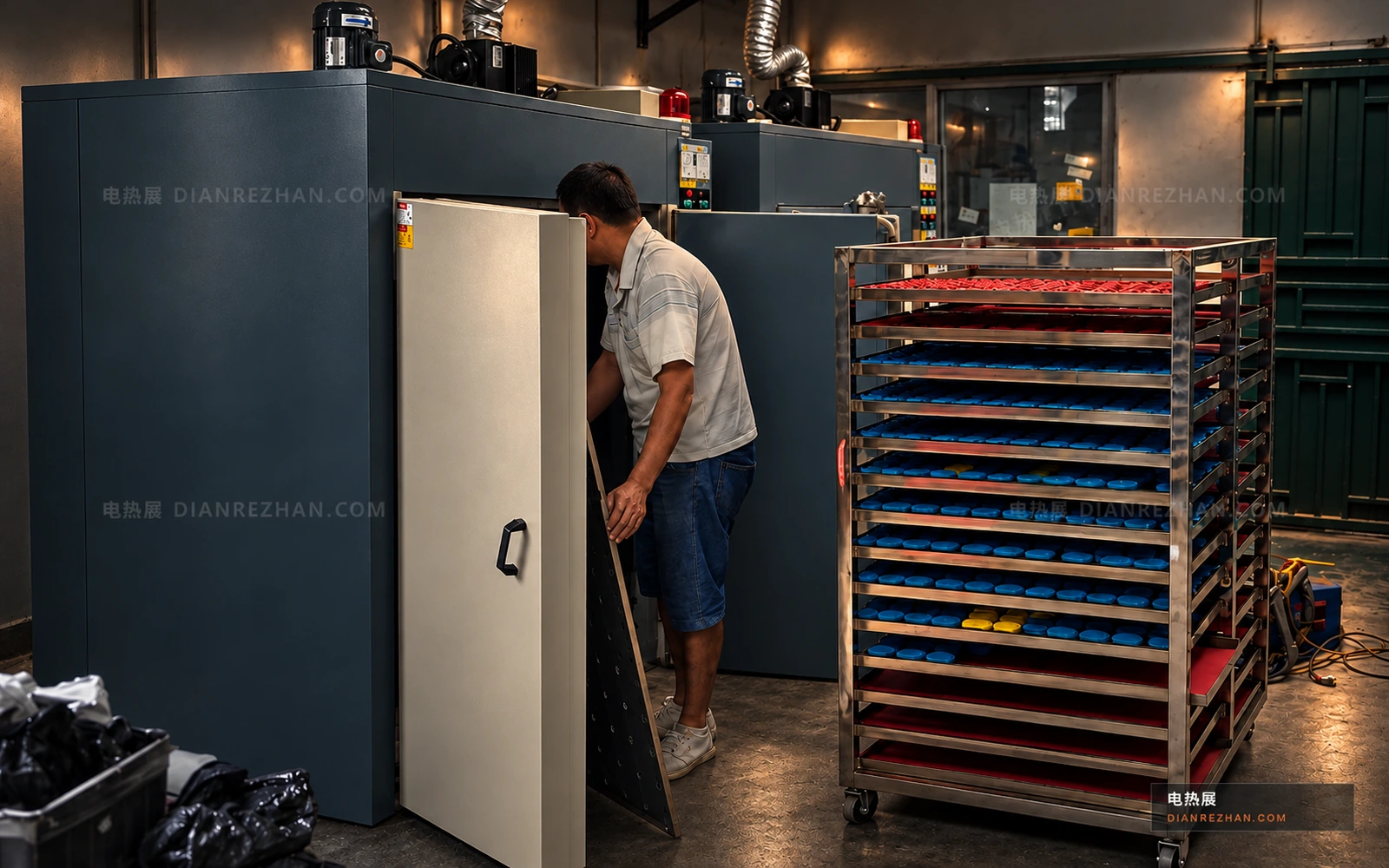
02

Trolley and batch loading

A multi-level loading trolley alongside the oven. Trolley dimensions and loading clearance need to be checked.

Rail loading arrangement
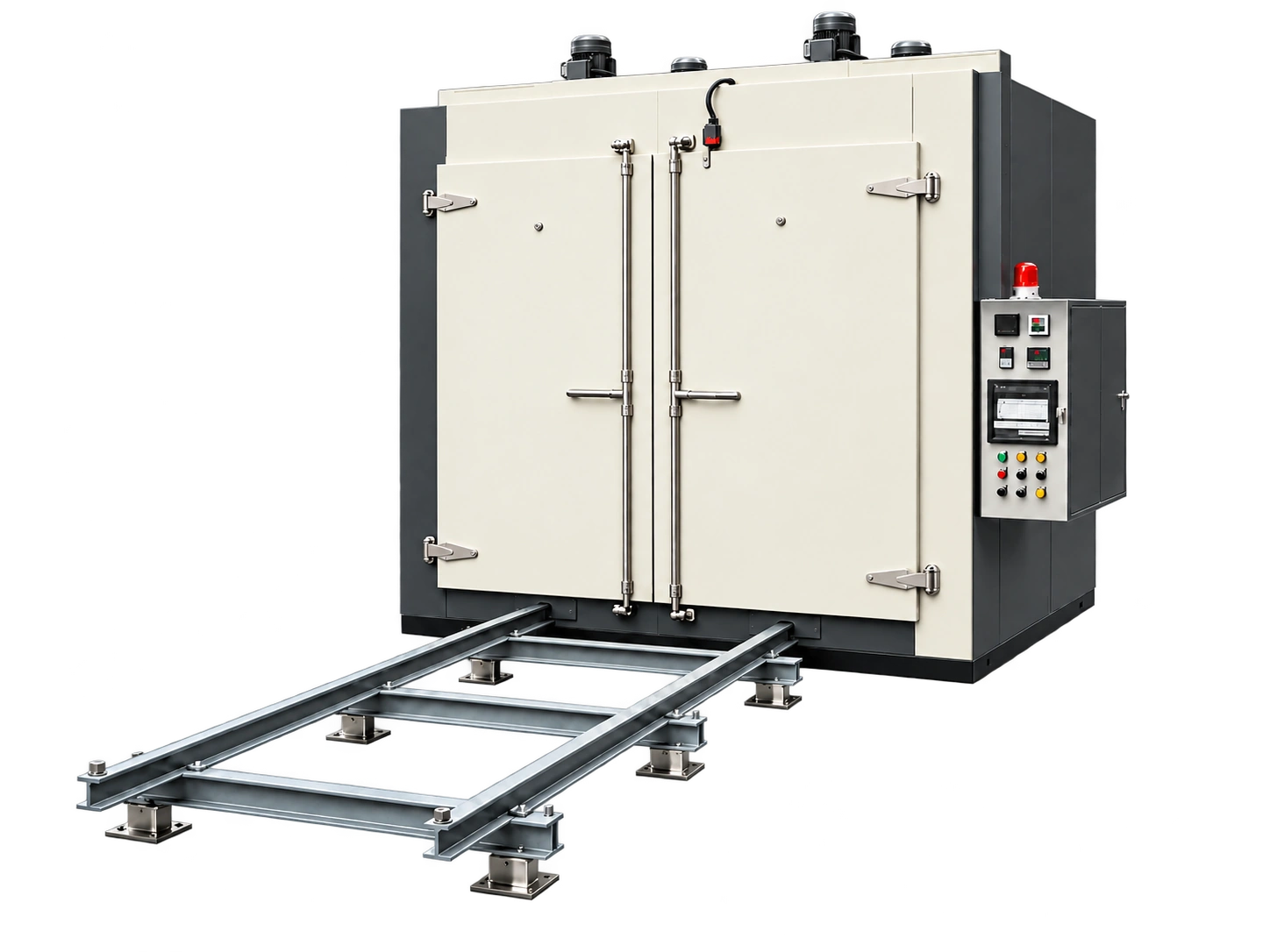
03

Rail loading arrangement

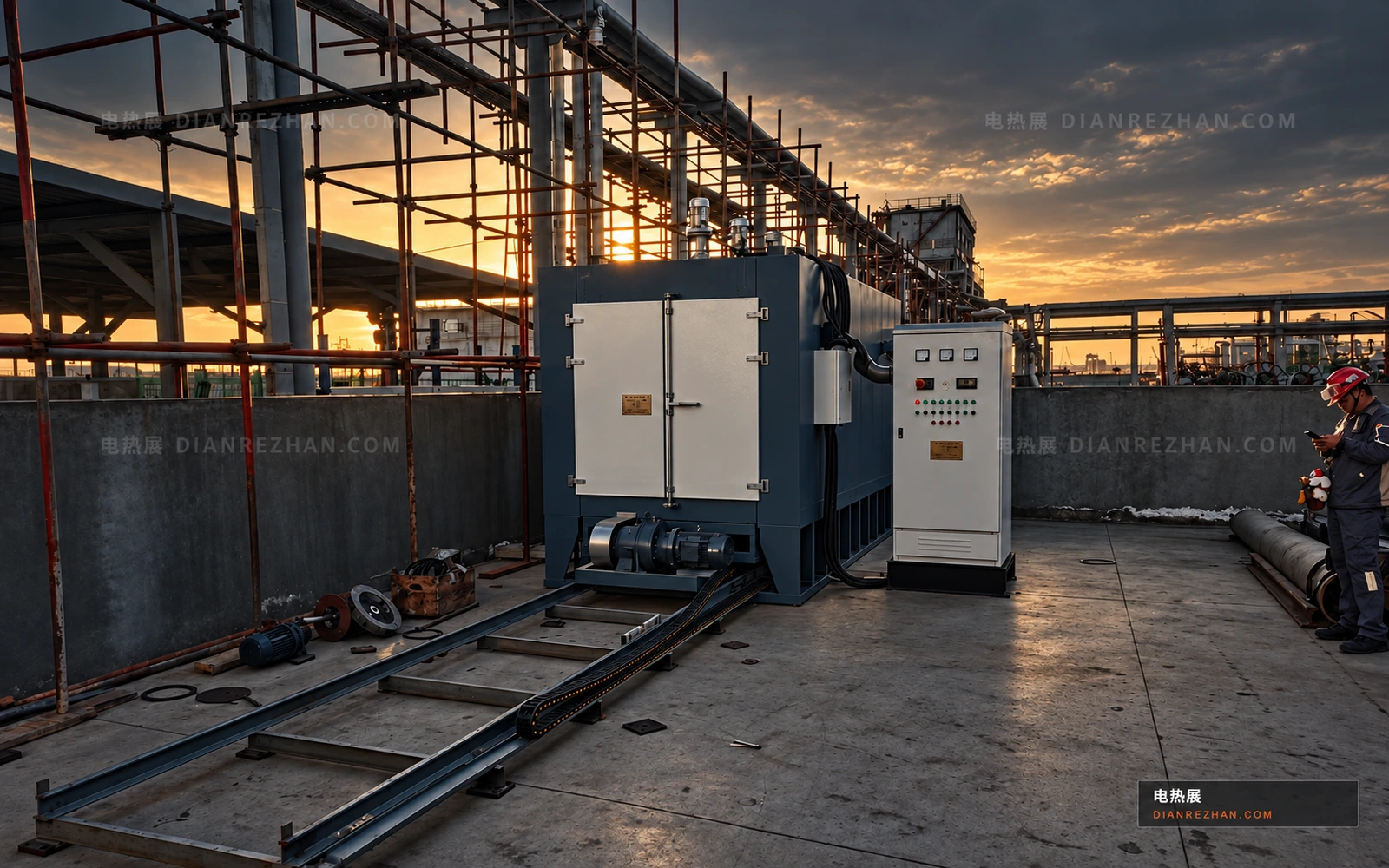
The relationship between rails, enclosure and control panel, to be checked against load mass and handling method.

Tray loading and drying
04

Tray loading and drying

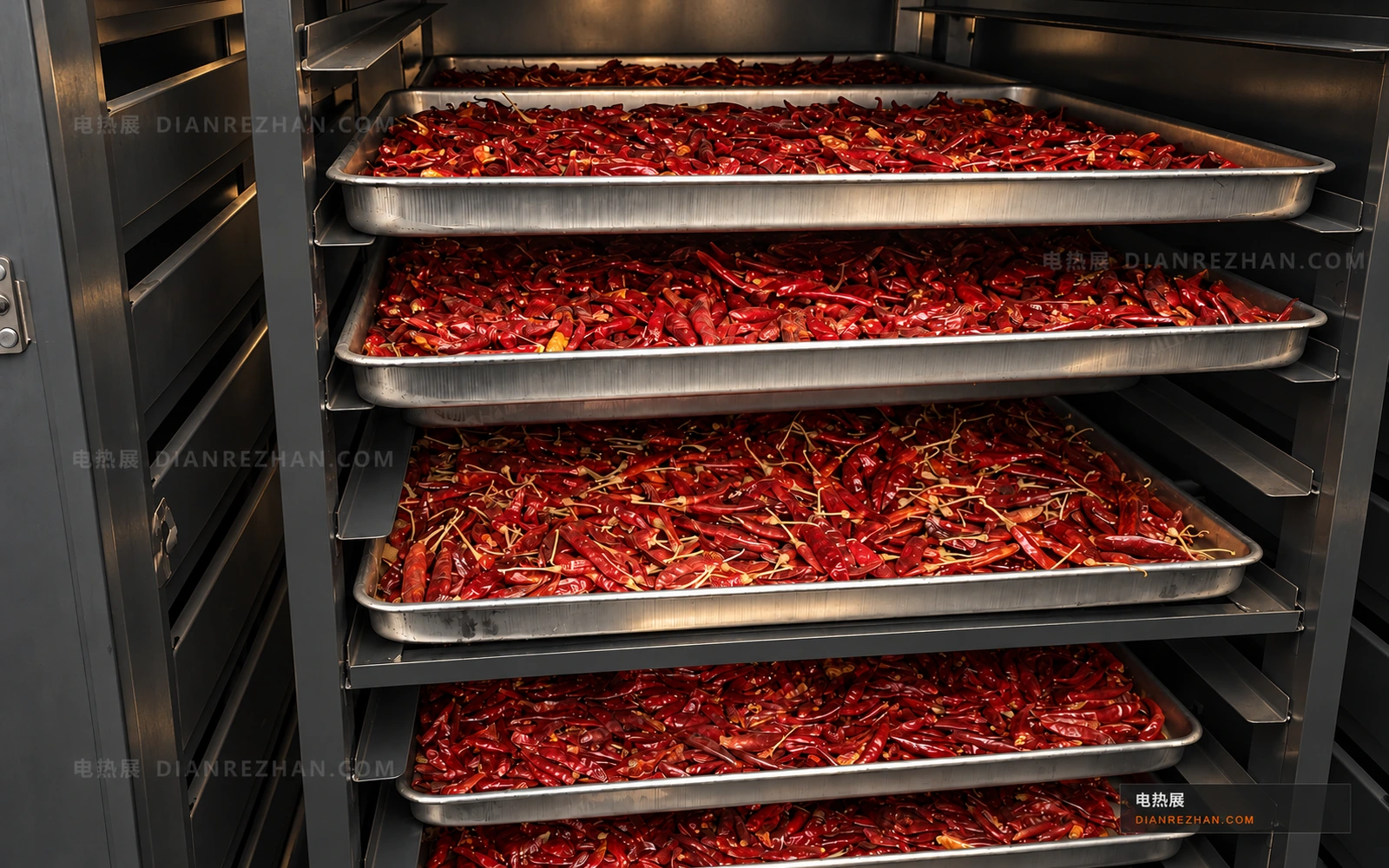
Material loaded on multiple trays, with space needed between levels for circulation and moisture removal.

Site references with edited paint colors and presentation. Final equipment configuration follows the agreed specification.

03 / PROCESS SEQUENCE

Define the process sequence

  1. 01

    Load

    Confirm placement, total load and clear air passages.

  2. 02

    Heat up

    Circulating air transfers heat to the load. Part temperature generally lags behind air temperature.

  3. 03

    Soak / dry

    Start timing at the agreed process condition and account for moisture or exhaust needs.

  4. 04

    Cool and unload

    Confirm the unloading temperature and turnaround time before planning the next batch.

TECHNICAL PARAMETERS

Selection parameters at a glance

Product and loadingMaterial, dimensions, mass, fixtures and loading pattern
Temperature and timeInitial and target product temperature, heat-up and soak time
Capacity and cycleBatch mass and turnaround time
Airflow and exhaustRecirculation, exhaust, moisture or volatile release and protective measures
Site conditionsAvailable power, footprint, loading access and service clearances

These are specification inputs, not universal product ratings. Installed power also needs to cover enclosure heat-up, exhaust and thermal losses.

Check product heat load

Include the product and fixtures in a preliminary sensible-heat calculation.

Open process calculator →

KNOWLEDGE BASE

Frequently asked questions

01How do cabinet, truck-in and walk-in ovens differ?+

These are common loading arrangements. Cabinet ovens often use trays or shelves; truck-in ovens allow a batch to move on a cart; walk-in rooms provide a larger working space. Truck-in and walk-in configurations can overlap. Select around the load and handling method.

02Can heating power be chosen from chamber volume alone?+

Volume alone is insufficient. Include the parts and fixtures, material properties, heat-up time, enclosure losses, exhaust and moisture evaporation where relevant. Empty-chamber heat-up time does not establish a loaded process cycle.

03Does reaching the controller setpoint start the soak?+

Use the process acceptance criterion. If the part must reach temperature before soaking, use appropriate load temperature measurement or a validated process. Air temperature is not a direct substitute for part temperature.

04Can an oven process solvent-bearing materials?+

Identify the volatile substances, release rates and process conditions first, then confirm the equipment design, exhaust and interlocks. Appearance alone does not establish that a general-purpose recirculating oven is suitable.

PRACTICAL GUIDES

Before you specify the equipment

Choose a guide for the process information you need to confirm.

YOUR PROCESS

Bring the load and process data together

Start with the product, temperature and time. Other inputs can be confirmed later.

Enter and submit your requirements ↗